FAQ
GSD Devices
There are 2 possibilities for configurating a Siemens TIA Portal project related to GSD Devices. They both differ in functionality in regards of working with hardware devices added via gsd installation.
Fast GSD Handling
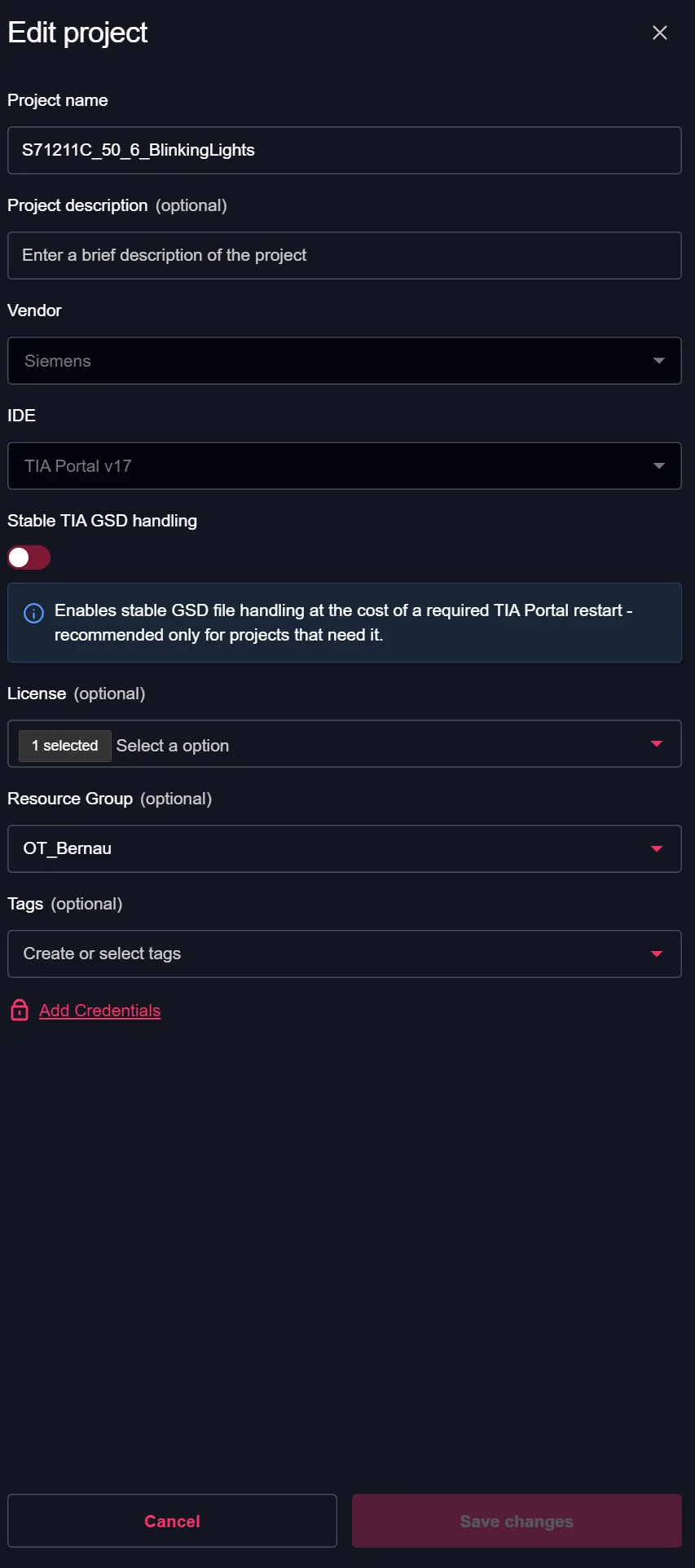
Fast GSD handling is meant for a fast IDEaaS start while working on software related changes. By default the fast GSD handling is configured, which will be shown as deactivated "Stable TIA GSD handling" in the project configuration:
Go to project settings:
Check "Stable TIA GSD handling" state:
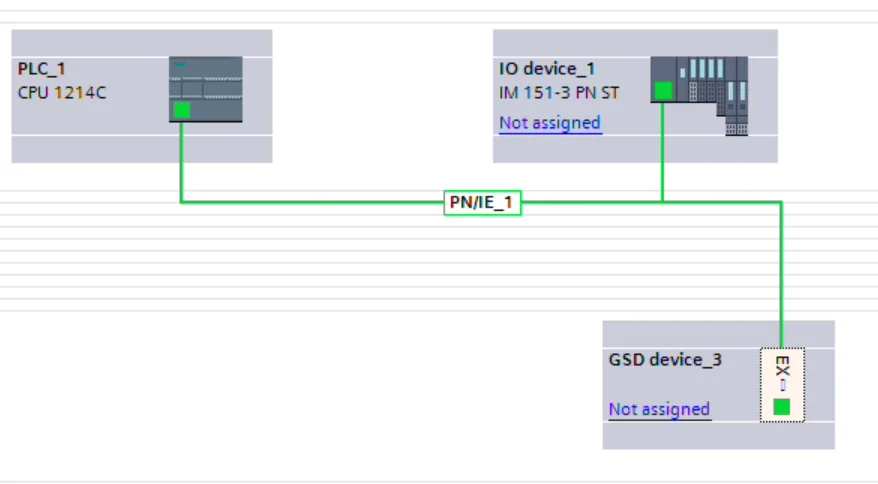
Using IDEaaS devices in the "devices & network" view can appear with missing device preview image like shown here at device "GSD device_3":
Stable GSD Handling
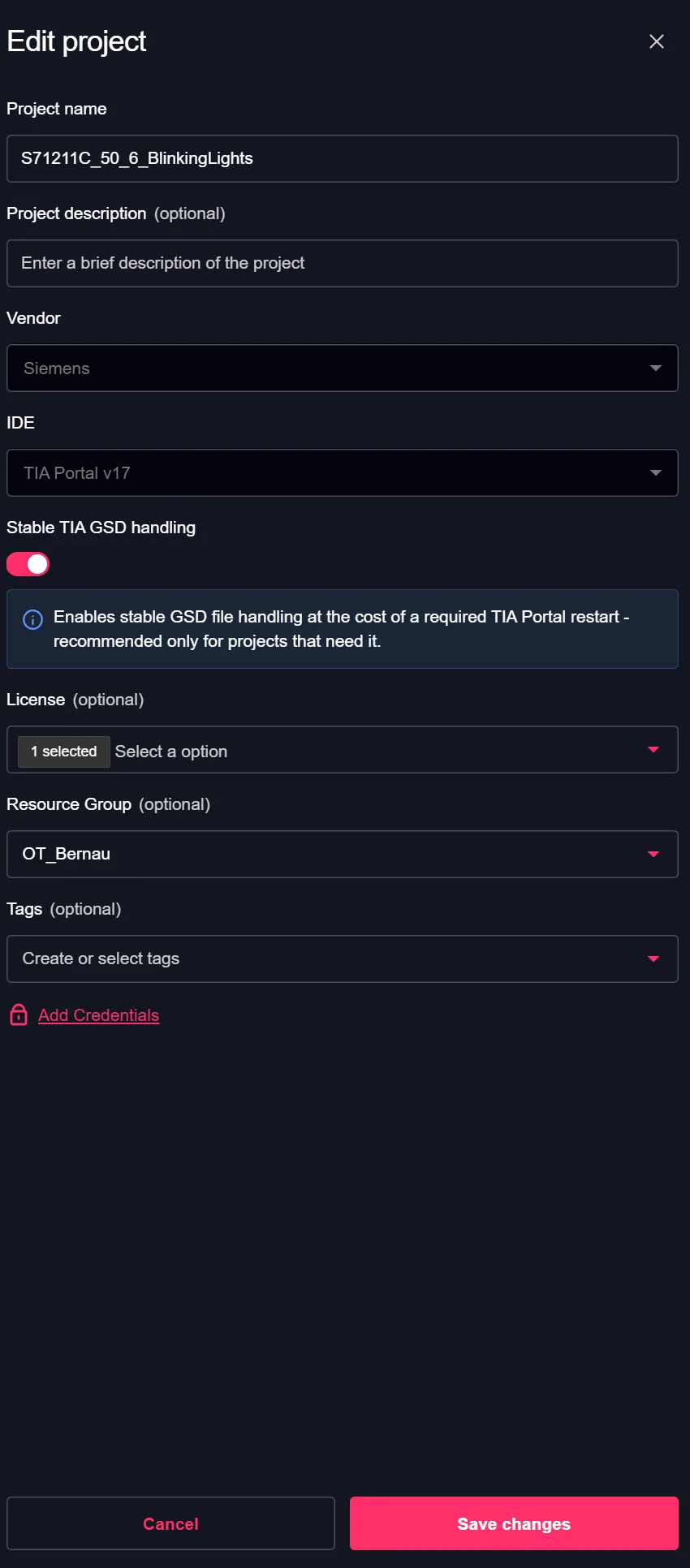
Stable GSD handling increases the IDEaaS startup time but allows TIA Portal to create the necessary binary files + consistency checks for all GSD-related devices. This working mode is meant for Hardware + Software workflows in TIA Portal.
Go to project settings:
Activate "Stable TIA GSD handling" state:
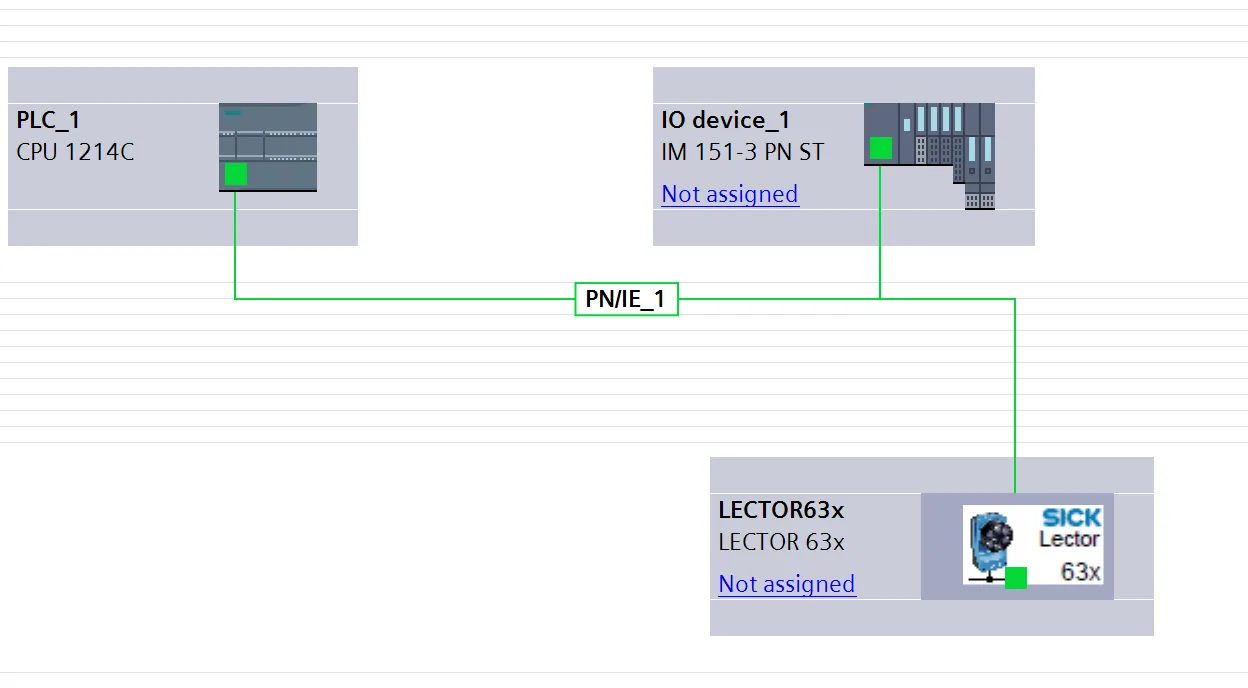
The devices&network view also shows the correct gsd related metadata like image and configurations shown here at the device "LECTOR63x":